


Remote Control for TV - All TV
4.614.84K Reviews
App Specs
- Version
- 1.0.83
- Updated On
- License
- Free
- Downloads
- 50,000,000+
- Developer
- Hitchhike Tech
- Categories
- Tools
- Platform
- Android
Screenshots
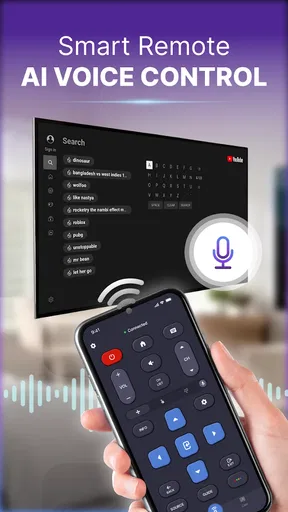
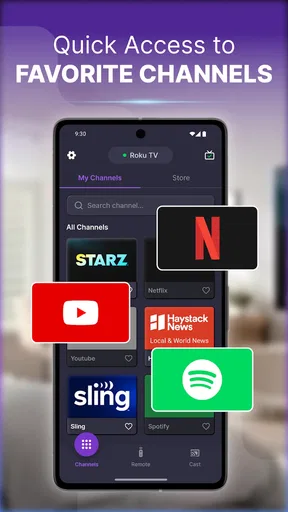
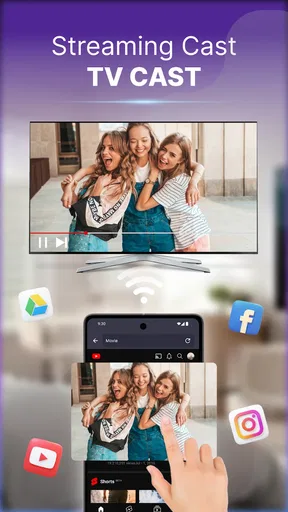
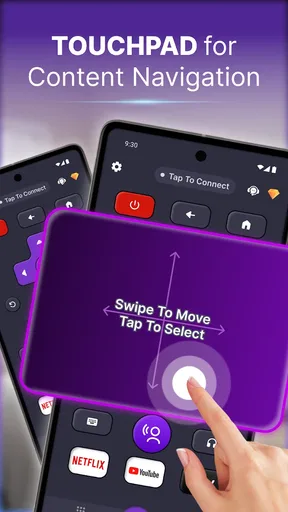
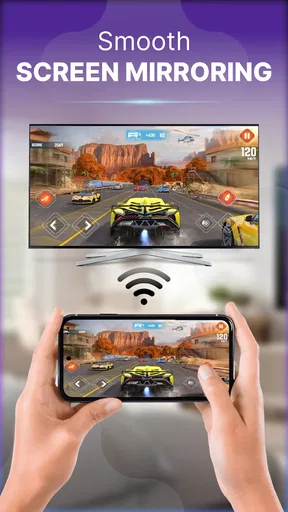
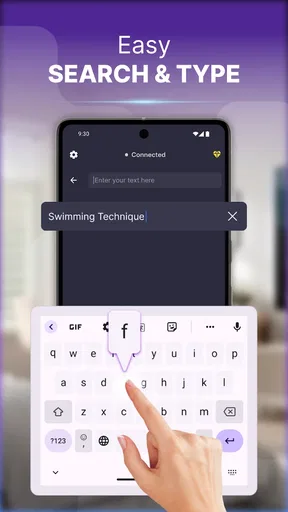
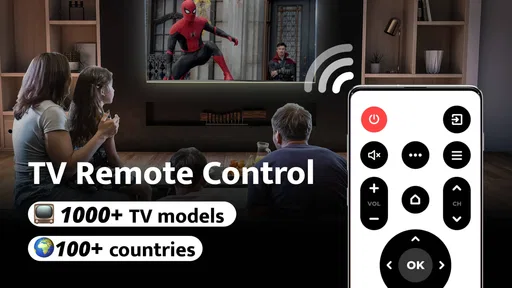
 Analysis by AppCompare
Ever had one of those moments where you're all cozy on the couch, ready to binge on your favorite show, only to realize you can't find the remote? Enter Remote Control for TV - All TV, a nifty app that promises to save you from digging through your couch cushions. I decided to give it a spin and see if it really lives up to the hype.
Getting Started
Downloading and setting up the Remote Control for TV - All TV app was a breeze. Available for both Android and iOS, it took me just a few minutes to install. Once you open the app, it prompts you to connect to your TV. The app supports a wide range of TV brands, which is a big plus. I was able to pair it with my Samsung TV without any hiccups.
Usability and Features
One thing I immediately loved was the app's user-friendly interface. It mimics a traditional remote pretty well, so there's no learning curve. The buttons are intuitive, and the layout is visually appealing. I found myself navigating through channels and adjusting the volume effortlessly.
Besides the basic functions, it offers some cool extras like a keyboard input for easy searching and a touchpad feature for smart TVs. These additions make it more than just a replacement for your physical remote, giving it a tech-savvy edge.
Performance
The app's performance was surprisingly smooth. I didn’t experience any lag, and the commands were executed almost instantly. It was a relief not having to deal with any noticeable delay, which can be a dealbreaker for any remote app.
Additionally, the app supports multiple TVs, which is perfect for those with more than one set at home. Switching between devices was seamless, and it remembers previous connections, making subsequent uses even quicker.
Final Thoughts
Overall, Remote Control for TV - All TV turned out to be a reliable companion for my TV time. It’s not just a backup for when you lose the real remote; it stands on its own with a suite of handy features. Whether you’re tech-savvy or not, this app makes controlling your TV super convenient.
Worth Reading Before You Choose

Flipboard Shows What News Apps Must Do Beyond the Feed

Switching to Android Auto Means Rethinking Your Driving Routine

Google Calendar Makes a Crowded Week Easier to Manage

Ludo King Makes the Most of the Minutes Between Plans

Baby Panda World Brings Quick Play to Modern Phones, but Its Game Library Feels Busy

ESPN’s Live Game View Makes Following Close Games Easier
Sure, there might be a few situations where it doesn’t replace the tactile feel of a physical remote, but for the most part, it does the job and then some. So next time you find yourself endlessly searching for the remote, remember there’s a smarter way to tune in.
Pros
- Easy setup process for all major TV brands.
- Compatible with both Android and iOS devices.
- User-friendly interface with intuitive controls.
- Supports voice commands for hands-free use.
- No additional hardware required.
Cons
- Limited functionality on older TV models.
- Ads can be intrusive during usage.
- Requires stable Wi-Fi connection.
- Some features locked behind a paywall.
- Occasional lag with certain TV brands.
FAQs for Remote Control for TV - All TV
What devices are compatible with Remote Control for TV - All TV?
Remote Control for TV - All TV is compatible with a wide range of smart TVs, including popular brands like Samsung, LG, Sony, and Panasonic. It also supports various streaming devices such as Roku and Amazon Fire TV. Ensure your TV and mobile device are connected to the same Wi-Fi network for optimal performance.
How do I set up the app with my TV?
Setting up Remote Control for TV - All TV is simple. Download the app and connect your mobile device to the same Wi-Fi network as your TV. Open the app, select your TV brand, and follow the on-screen instructions to pair your devices. Ensure your TV settings allow for remote connectivity.
Is Remote Control for TV - All TV free to use?
The app offers a free version with basic remote control functionalities. However, for advanced features like voice commands and ad-free usage, you may need to purchase a subscription or one-time upgrade. Check the app store for pricing details and available packages.
What should I do if the app doesn’t work with my TV?
If the app doesn’t work, first ensure that your TV is compatible and both devices are on the same Wi-Fi network. Restart both the app and your TV, and try re-pairing. If issues persist, consult the app’s support section or contact customer service for further assistance.
Can I control multiple TVs with this app?
Yes, Remote Control for TV - All TV allows you to control multiple TVs. After setting up the app with one TV, you can add additional devices by selecting 'Add Device' in the app menu. Make sure each TV is on the same network as your mobile device for seamless control.


